
Export your transactions from Interactive Brokers
Download your Interactive Brokers (IBKR) transaction history as a CSV using the Transaction History report — ready to upload to ARIA.
Interactive Brokers gives you a Transaction History report in Client Portal — the web app at clientportal.interactivebrokers.com. (Use the web app for this, not TWS desktop or the mobile app.)
Unlike the Activity Statement, the Transaction History report lets you pull several years in a single custom date range, which makes it the quickest route for a first import.
Open the Transaction History report
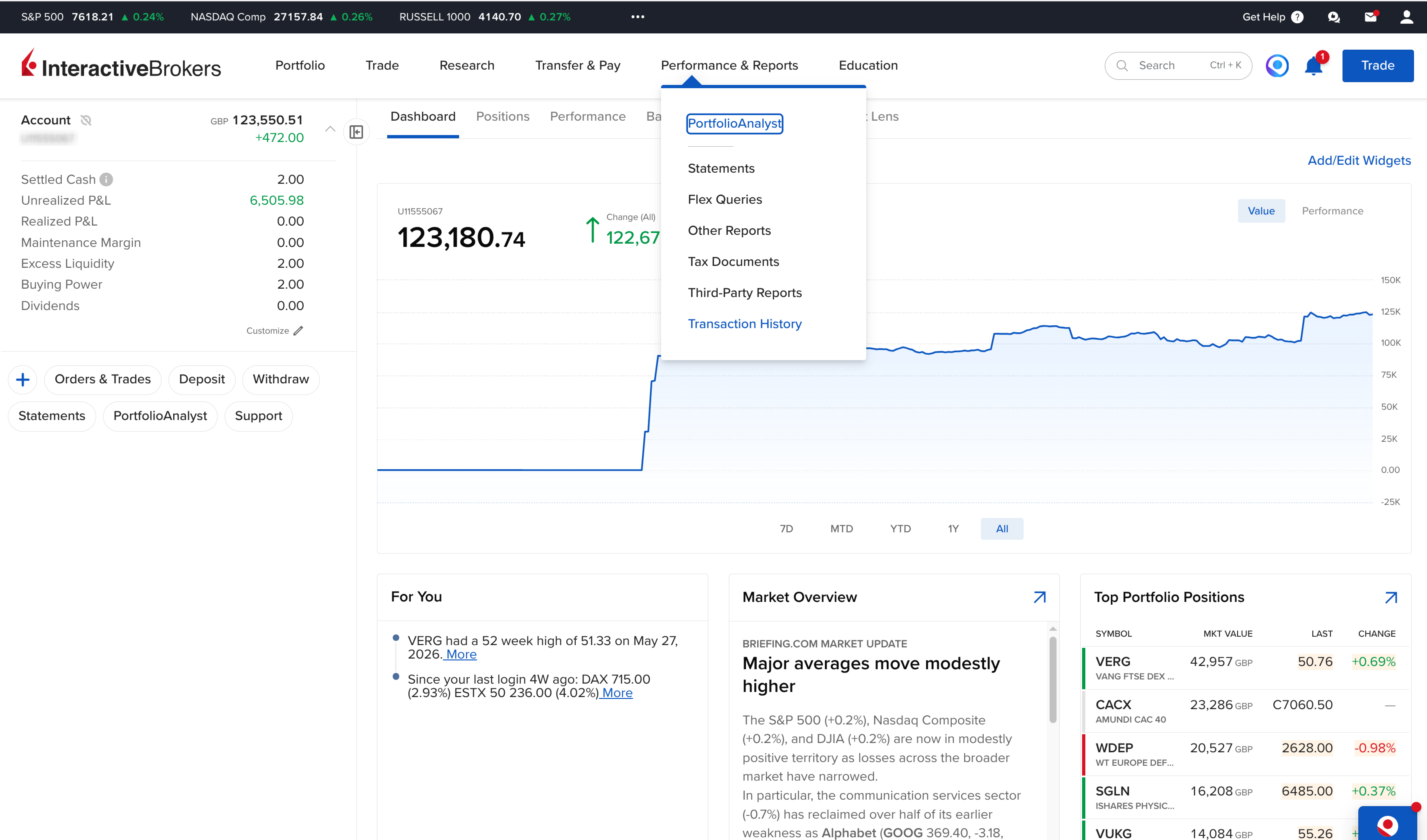
Sign in to Client Portal, open Performance & Reports in the top navigation, and choose Transaction History.
Set a custom date range
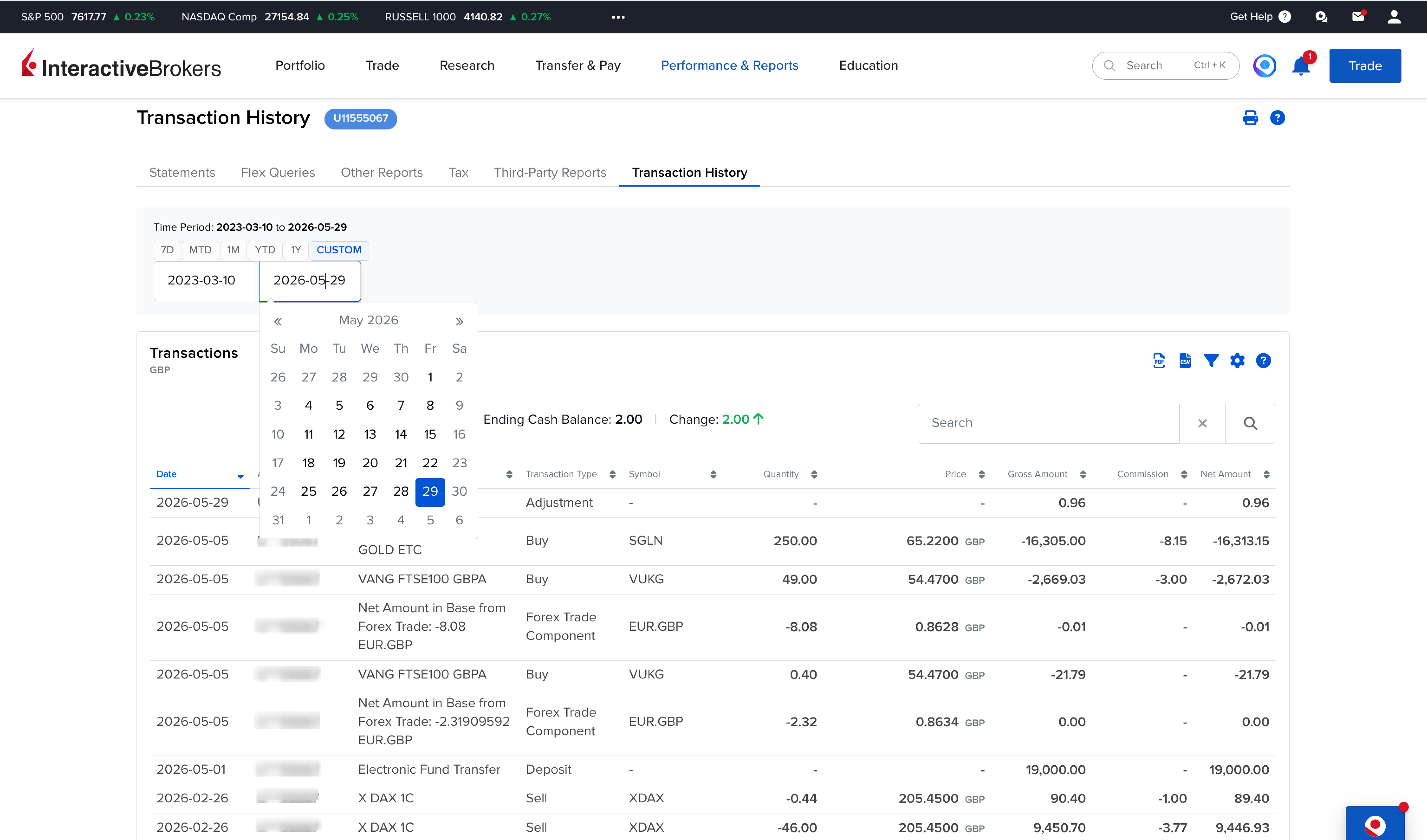
Switch the period toggle to Custom, then set the From and To dates to cover your whole history. You can span multiple years in one go — the example below pulls everything from 2023 to 2026.
Export to CSV
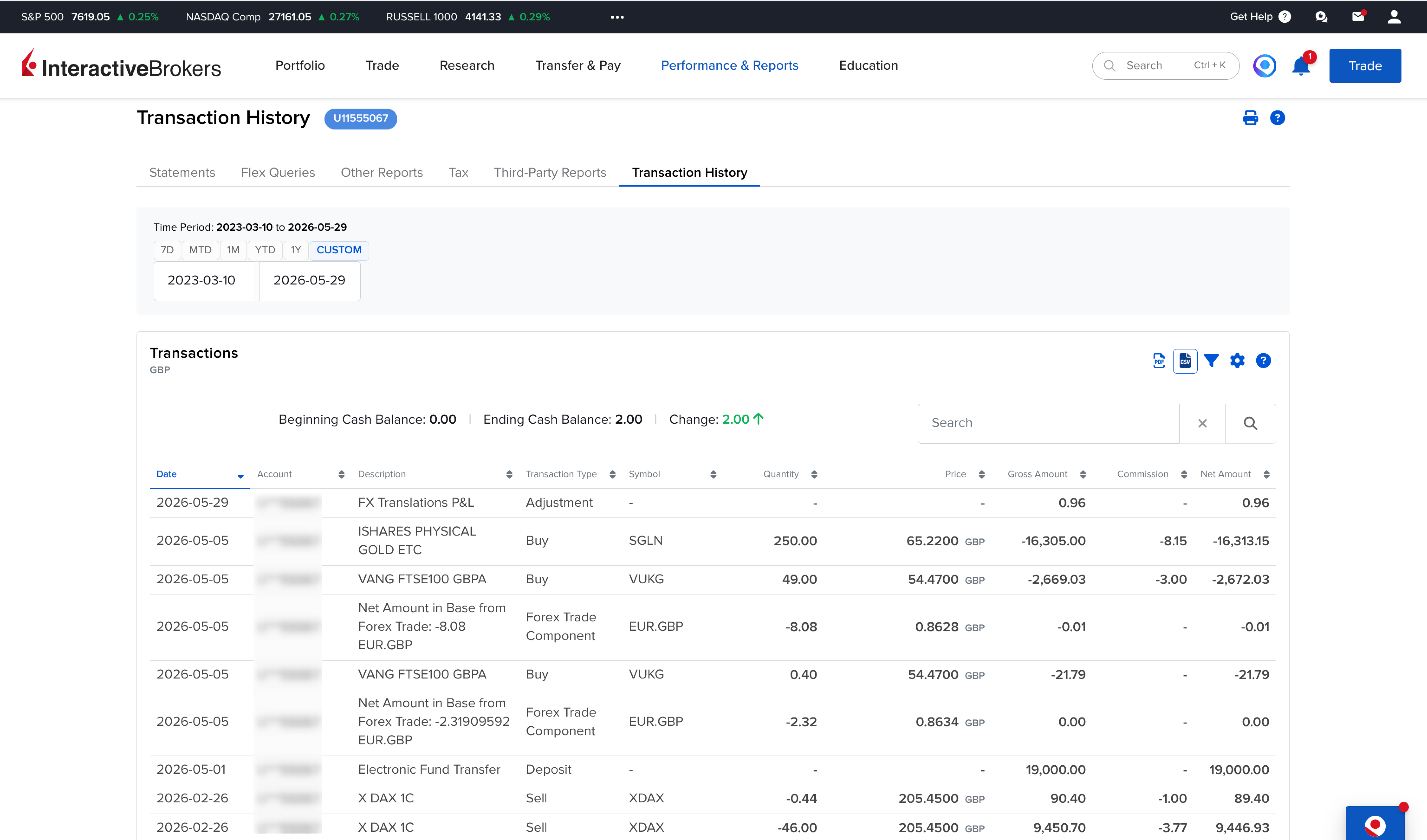
Once the transactions load, use the export icon at the top-right of the table and choose CSV. Save the file and upload it to ARIA.
⚠️ Always pick CSV, never PDF — ARIA can't read PDF statements.
Advanced — a reusable Flex Query (optional)
If you plan to refresh ARIA regularly, an Activity Flex Query is worth setting up once: it's a saved template with cleaner, consistent output. In Client Portal go to Performance & Reports → Flex Queries, create a new Activity Flex Query, and enable the Trades → Executions section plus Cash Transactions, Dividends, Withholding Tax and Corporate Actions. Set Format = CSV and Date Format = yyyyMMdd, then save and run it whenever you need a fresh export.
Good to know
- Multi-currency accounts group trades by currency, so a USD + GBP + EUR account produces several sub-tables. ARIA handles every currency — the file is grouped, not strictly chronological.
- FX cash trades (e.g.
EUR.USD) appear as instrument rows. ARIA treats these as currency conversions, not securities trades. - Options: exercises, assignments and expirations are separate rows — ARIA matches them to the underlying.
- Sub-accounts / migrated accounts: if IBKR prompts you with multiple account numbers, select All accounts.
- Trade date vs settle date: both appear in the file; ARIA imports against the trade date.
Got your CSV?
Upload it to ARIA — we'll detect the format, resolve every ticker and build your portfolio analytics.